Useful Claude Code commands, grouped by when you need them
Useful Claude Code commands is a playbook listing 19 Claude Code slash commands, grouped by the situation you reach for them in: when the chat gets long, when it goes off track, choosing the model, setting up, letting it run, checking your work and working away from your desk.
Most people use a handful of Claude Code commands and type the rest out as prompts. These are the ones I find useful, grouped by when you need them, not alphabetically.
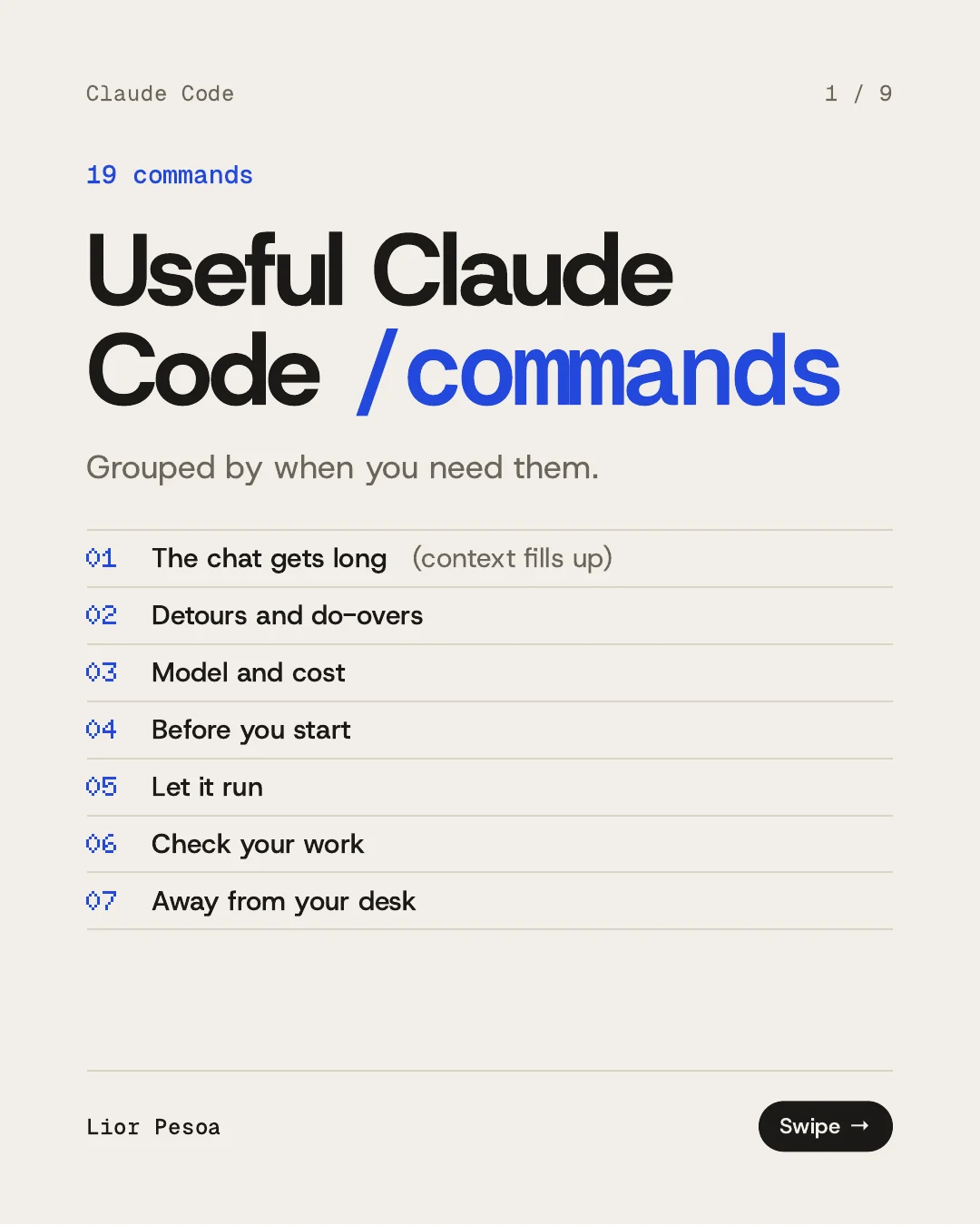
Want it as slides? Download the carousel PDF.
1. The chat gets long (context fills up)
/contextshows what's filling your context window. Check it when answers slow down or Claude loses the thread./compact [what to keep]summarises the chat to free up space. Tell it what matters, for example/compact keep the API decisions./clearstarts a fresh session. The old one stays in/resume. New task, new session.
2. Detours and do-overs
/btw [question]asks a side question without adding it to the chat, like/btw what does this regex match?/rewindrolls the code and the chat back to an earlier checkpoint. Pressing Esc twice opens it too./resume [name]reopens a past session where you left it. Name sessions with/renameto find them faster.
3. Model and cost
/modelswitches the model mid-session: a faster one for small edits, a stronger one for hard bugs./effort [low … max]sets how hard the model thinks. Low for renames, high for a race condition./usageshows session cost, plan limits and what counts against them. Worth a look before a long run.
4. Before you start
/initwrites a starter CLAUDE.md from your repo. Then trim it to what Claude can't work out on its own./memoryopens your CLAUDE.md files and memory settings, for rules you'd otherwise repeat every session./plan [task]starts in plan mode: Claude proposes first, and nothing changes until you approve. For example/plan add dark mode to settings.
5. Let it run
/fewer-permission-promptsfinds the read-only commands you keep approving and allowlists them for the project./loop [interval] [prompt]repeats a prompt on a timer while the session is open, like/loop 5m check if the deploy finished.
6. Check your work
/diffshows your uncommitted changes and what each turn changed./code-review [level]finds bugs in your diff. Add--fixand it applies the fixes:/code-review high --fix./simplifycleans up the code you just wrote: less duplication, simpler logic, same behaviour.
7. Away from your desk
/remote-controllets you continue the session from your phone./schedule [description]creates cloud tasks that run on a schedule, even with your laptop closed.
Missing one you use every day? Tell me and I'll add it.
Questions
How do I see all Claude Code commands?
Type / in Claude Code. It lists every command available in your session, including ones added by skills and plugins.
What's the difference between /compact and /clear?
/compact keeps going in the same session with a summary of the chat so far. /clear starts a new session with empty context; the old one is still in /resume.
How do I undo what Claude Code just did?
Run /rewind, or press Esc twice, and pick a checkpoint. It can roll back the code, the chat, or both.